Seven Overnight Vitals
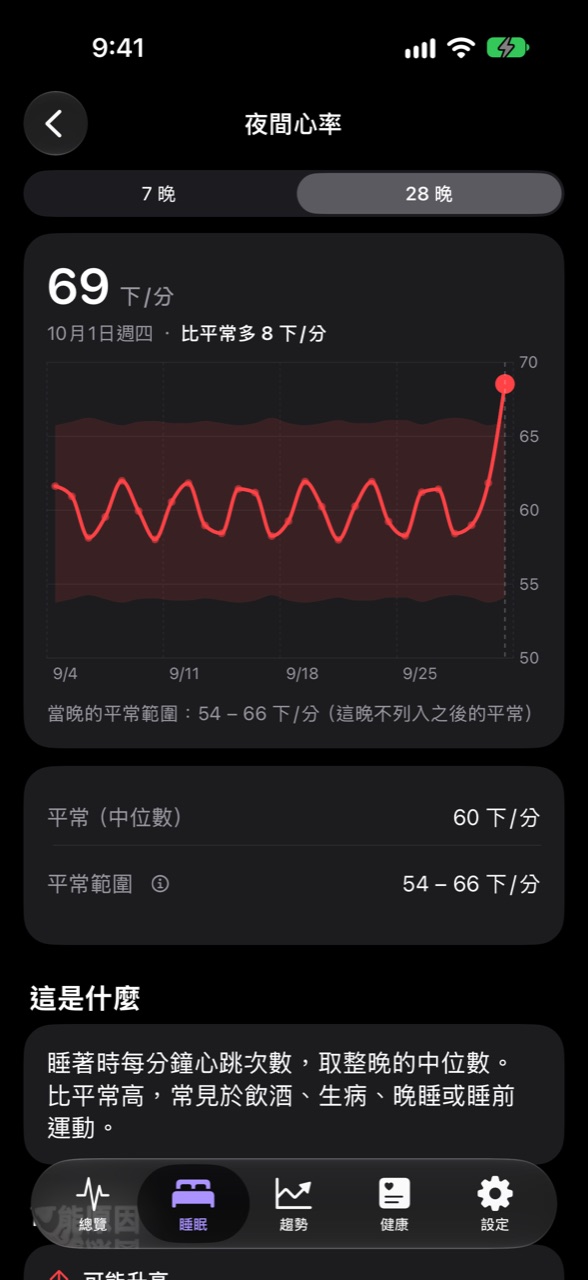
Overnight heart rate, resting heart rate, HRV, respiratory rate, blood oxygen, wrist temperature, and sleep duration—compared each night against your own usual range, so anything high or low is visible at a glance.
● Photophore
Apple Watch records your heart rate, HRV, respiratory rate, and blood oxygen every night. Photophore compares these numbers with “your own usual”; every interpretation rule cites its research sources and notes where it has not been validated.
Core Concept
Each metric has a usual range of your own, calculated from the median and robust dispersion of your past 28 nights. A single extreme night does not widen the range; only three consecutive nights deviating in the same direction are treated as a new usual.
Screens
All screens below show the app’s built-in demo data, not anyone’s real values.
← Swipe horizontally →
Features
Overnight heart rate, resting heart rate, HRV, respiratory rate, blood oxygen, wrist temperature, and sleep duration—compared each night against your own usual range, so anything high or low is visible at a glance.
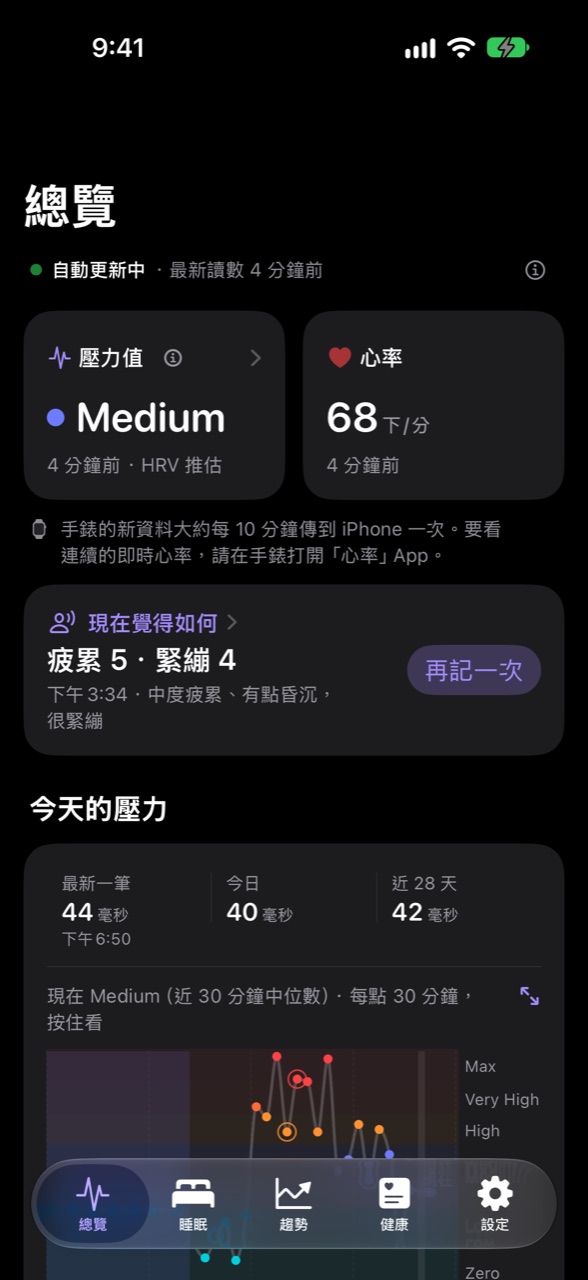
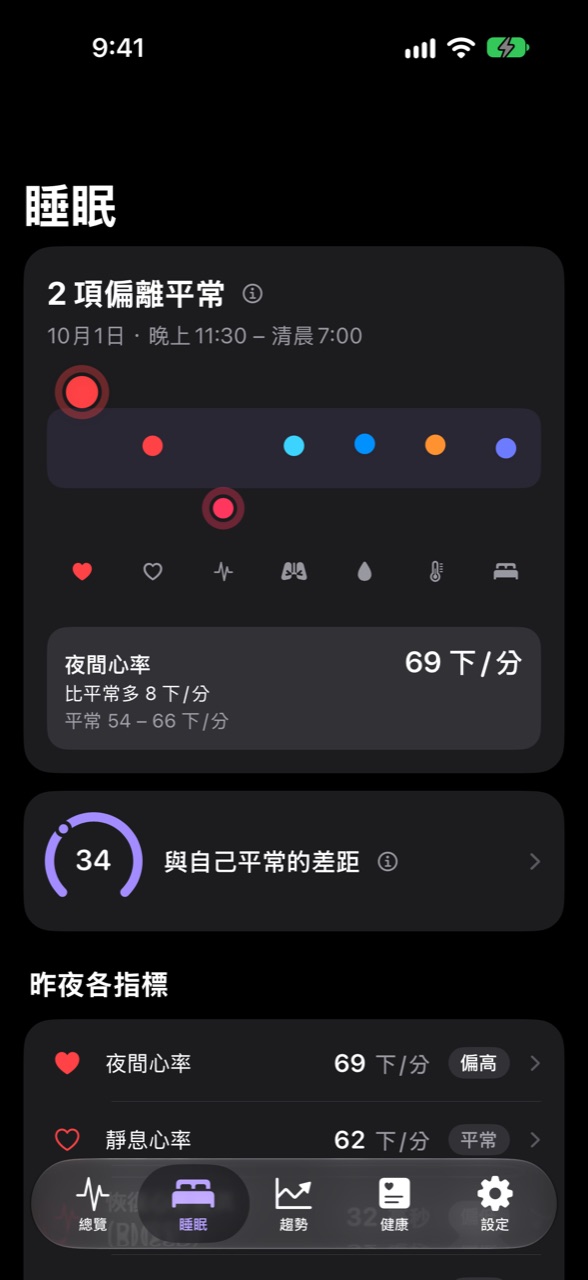
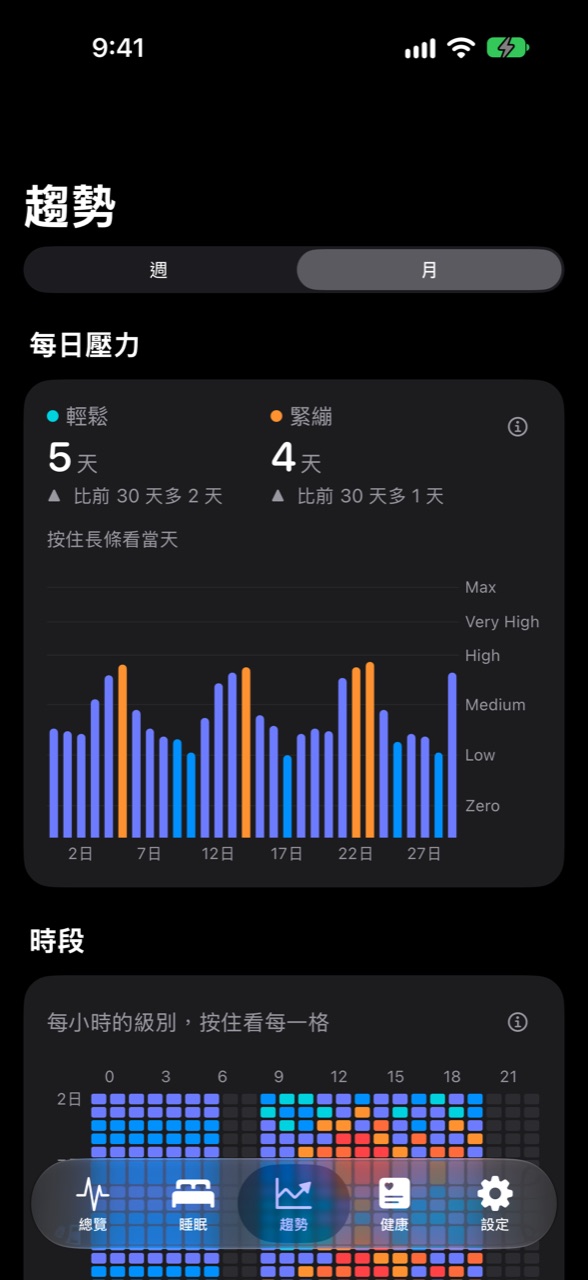
Converted from Apple Watch HRV readings into a score and level, compared against your 28-day waking baseline. Readings during and just after walking or workouts are excluded to avoid mistaking activity for stress.
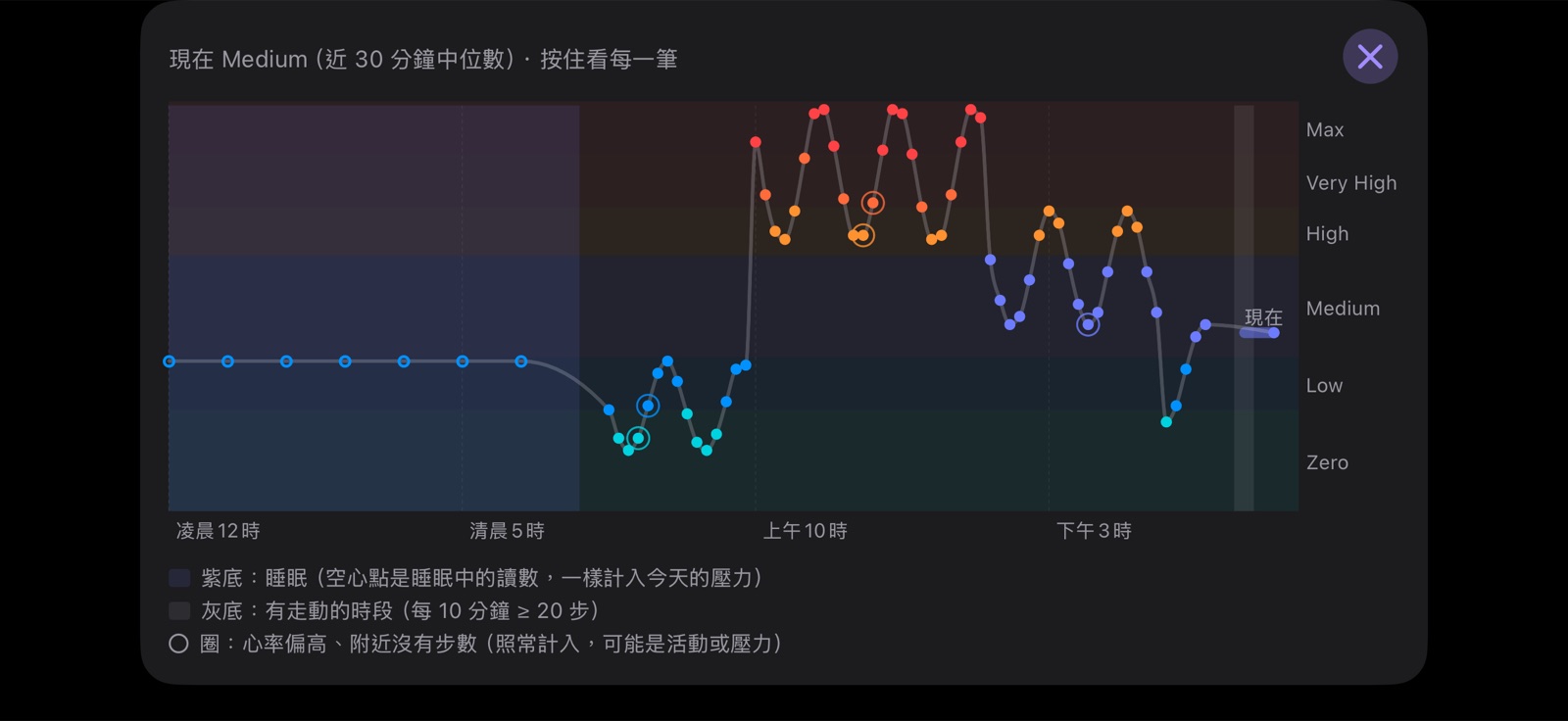
Jump to any day with the calendar. Touch and hold the chart to inspect readings one by one, or rotate to landscape full screen for a closer look. Readings during sleep are marked as well.
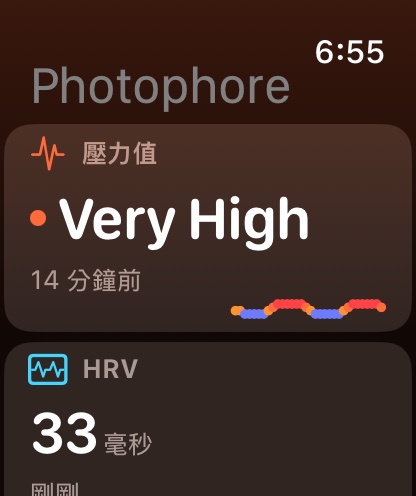
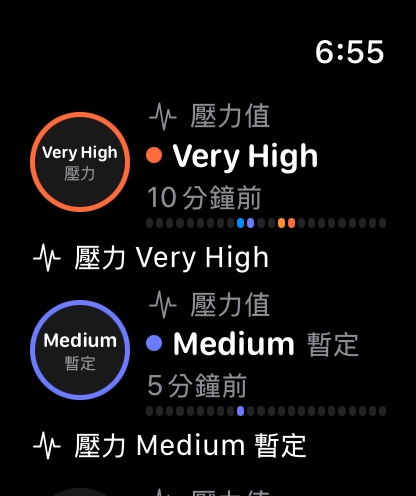
The watch calculates the latest HRV readings in the background, updating the stress level on your watch face without waiting for your iPhone to open.
Log your fatigue level (Samn–Perelli scale) and tension level at any time, then tag special conditions for the day such as alcohol or illness. These records stay only on your iPhone.
Check your current stress level on your Home Screen or Lock Screen without opening the app.
How It Works
The watch records heart rate, HRV, respiratory rate, blood oxygen, and wrist temperature overnight, saving them to Health on your iPhone. Photophore only reads this data and modifies no records.
When you wake up, each metric from that night is compared with the median and robust dispersion of your past 28 nights; checks begin once you accumulate 7 nights.
Metrics outside your usual are flagged, showing how much they differ, common contributing factors, and research sources. During the day, HRV estimates stress, producing provisional scores at 3 days and official ones at 7 days.
Principles
Name Origin
Photophore
Greek phōs (light) + phoros (bearer)
A light-emitting organ
A photophore is a light-emitting organ found on deep-sea creatures. Lanternfish carry rows of photophores along their bellies. In the deep ocean where sunlight barely reaches, these small points of light help them hide their silhouettes and recognize one another.
While you sleep, your body leaves signals in the dark: heart rate, respiratory rate, blood oxygen, and HRV. Photophore lines them up as points of light, one for each metric; the one outside usual glows.
Roadmap
Glowing dots are completed milestones, half-lit dots are undergoing on-device testing, and hollow dots are up next.
Seven overnight metrics, 28-night usual ranges, calibration progress, and research explanations for each metric.
Scores and levels converted from HRV, personalized mappings, all-day curves, and exclusion rules for walking and workouts.
Without opening the app, your iPhone updates in the background and sends results to your watch.
Fatigue and tension check-ins, along with condition tags for the day.
Approved by Apple’s Beta App Review, and the build has every feature turned on. Install Apple’s TestFlight app, then join using the public link; the privacy policy is live.
The watch calculates the stress level on its face in the background; iPhone Lock Screen and StandBy widgets.
Days with alcohol, illness, or temporary medication appear normally, but are excluded from the usual range used for future comparisons; when regular medication changes, the baseline is rebuilt from that day forward. Day counts are set according to research recommendations.
Take a 30-second reading upon waking with Apple’s ECG app; Photophore calculates HRV using only beat-to-beat intervals from sinus rhythm recordings to track a 7-day rolling average. It does not interpret heart rhythm.
Large stress widgets with daily level ratios, cooldown countdowns after workouts or walking, “Last night” and “HRV” watch faces, with past 7-day and morning values on the watch; the watch app curve continues showing the past 24 hours past midnight.
Notifies you when stress rises significantly, drops, fluctuates notably within an hour, stays low for an hour, or stays high for half an hour; a morning notification also tells you what differed from usual last night. Titles include the HRV, stress level, and timestamp, with the past 2 hours of curves attached. When iPhone is locked, Health cannot be read, so missed notifications are delivered upon unlocking; if iPhone has not checked for too long, the watch sends them instead. Stress notifications support Quiet Hours and do not send during sleep.
When your schedule shifts noticeably late or early, the night’s time window shifts with your sleep over the past two weeks, counting the entire sleep session into the same night.
How many minutes it took for your heart rate to return to your usual resting level after each walk, alongside Apple’s Cardio Recovery and Cardio Fitness estimates, placed side by side with a full year of HRV. Focuses solely on your own trends, without labeling them good or bad.
Compare three to four weeks of check-in records against stress scores to verify whether thresholds match your actual feelings before adjusting.
Start a brief measurement directly from the app to see your current state immediately.
Off by default; when enabled, annotations appear only on days with logged records, without inferring cycle phases.
FAQ